How to use this page
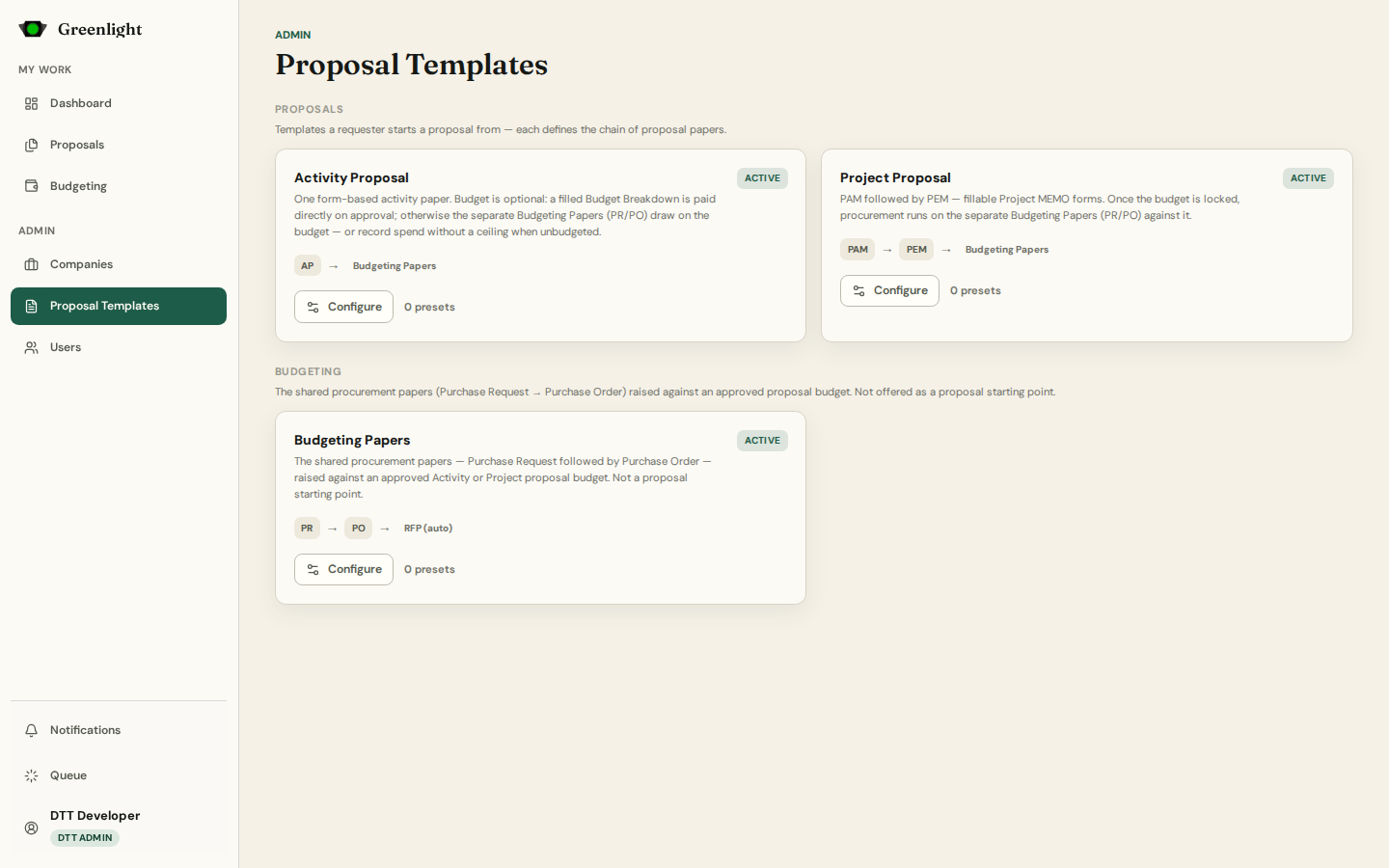
- 1 Proposal › Activity Proposal: one form-based paper (AP), with presets such as Travel and Repair. Proposal › Project Proposal: PAM → PEM. Purchase Proposal: PR → PO → Request for Payment (automatic) — raised against an approved proposal, never a starting point.
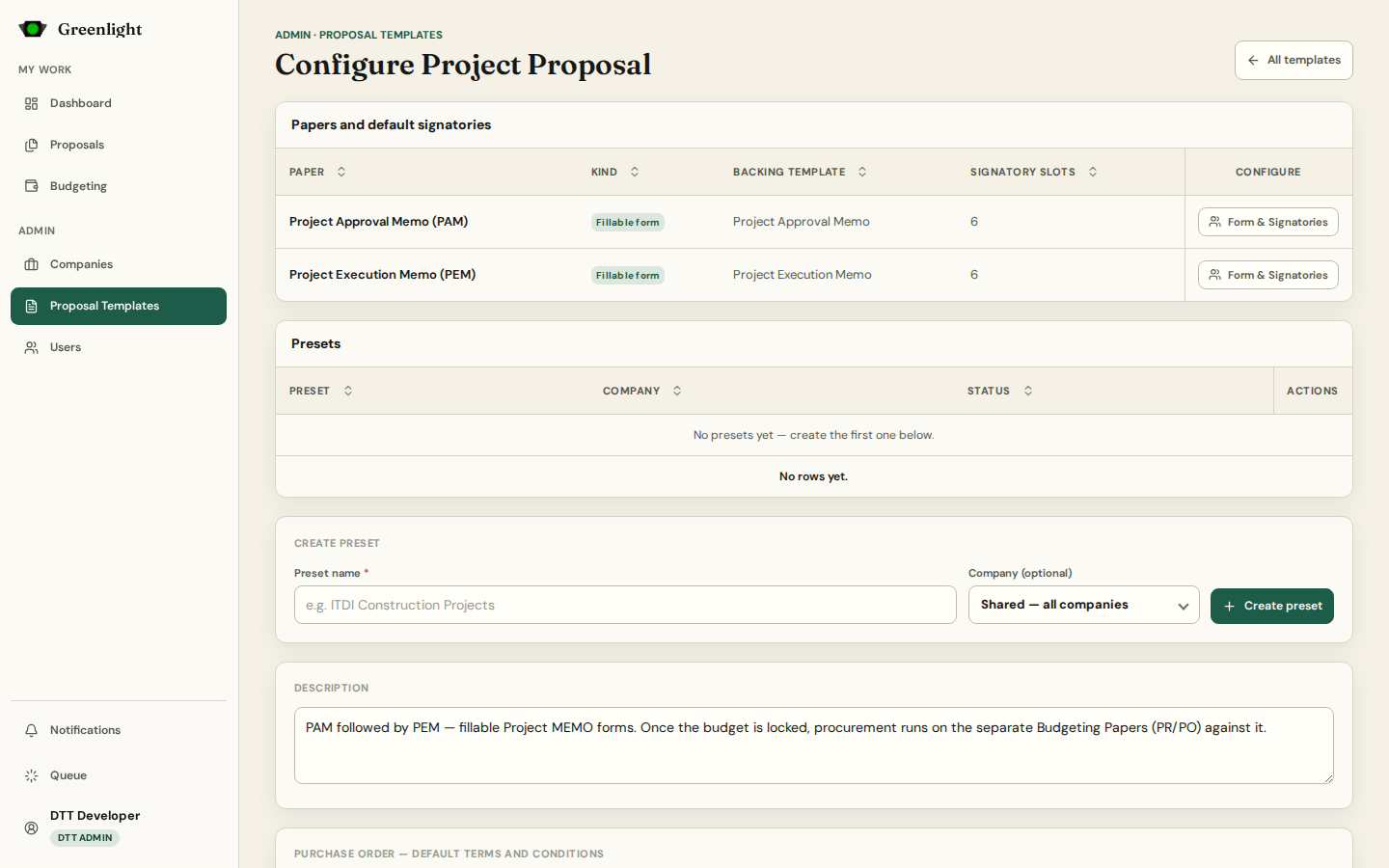
- 2 Configure opens the template: Papers and default signatories lists each paper with its signatory slots; Form & Signatories opens the paper's own editor.
- 3 Presets are variations of a proposal template — their own name, company scope and AP paper; anything left empty falls back to the base template. The Purchase Order's default Terms and Conditions live on the Purchase Proposal template only.
- 4 Requesters can still adjust the signatory chain per paper when they create one; the defaults are the starting point.
- 5 Document Types (the older admin page) is superseded by templates: /admin/document-types now opens this page, and each paper's editor is reached from its template.
Publish checklist
- Every paper in the chain has at least one signatory slot.
- Form papers have their fields; every paper's template renders with the placeholders it needs.
- A change to the Purchase Order terms was checked on a rendered Purchase Order.
Screenshots
Page states